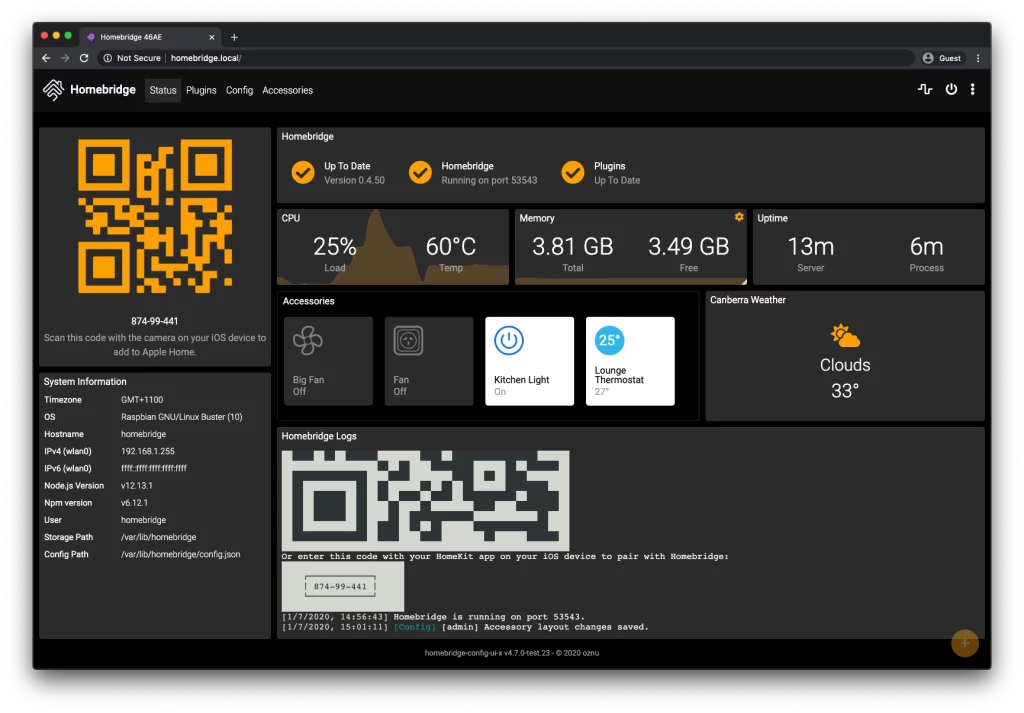


Homebridge คือ Node.js server ที่สามารถใช้ภายใน network ที่บ้าน Homebridge เพิ่ม Apple HomeKit support ให้แก่อุปการณ์ Smart Home ที่ Apple HomeKit ไม่ support อย่างเป็นทางการ เช่น อุปกรณ์จาก 3rd-party โดยการลง plugin ไปยัง Homebridge รายชื่อ 3rd-party plugin สามารถาหาได้จากเวบ NPM โดยการ search หาด้วย keyword homebridge-plugin
วันนี้เสนอวิธีการลง Homebridge บน Raspberry Pi OS หรือ Raspbian
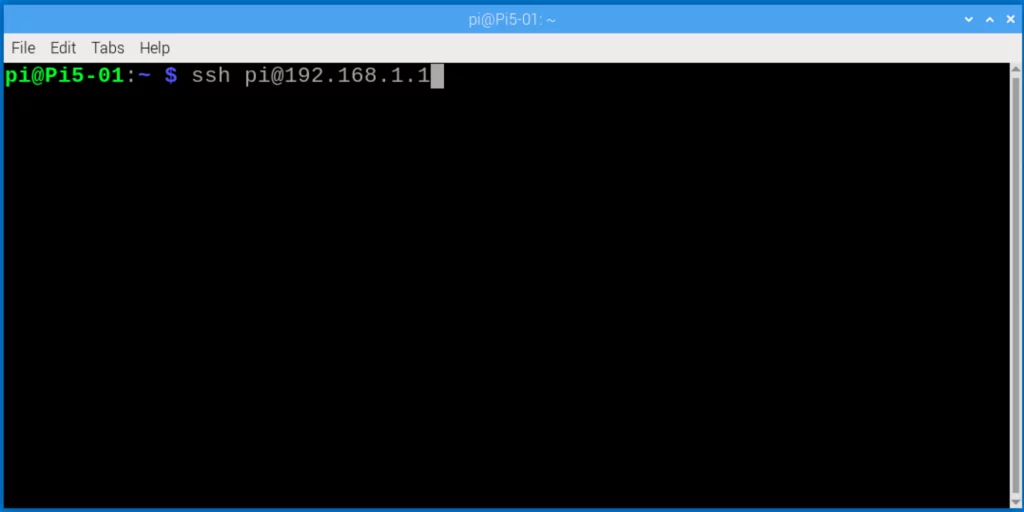
1. SSH เข้าไปยัง Raspberry Pi ผ่าน Terminal
2. เพิ่ม Homebridge Repository GPG key
curl -sSfL https://repo.homebridge.io/KEY.gpg | sudo gpg --dearmor | sudo tee /usr/share/keyrings/homebridge.gpg > /dev/null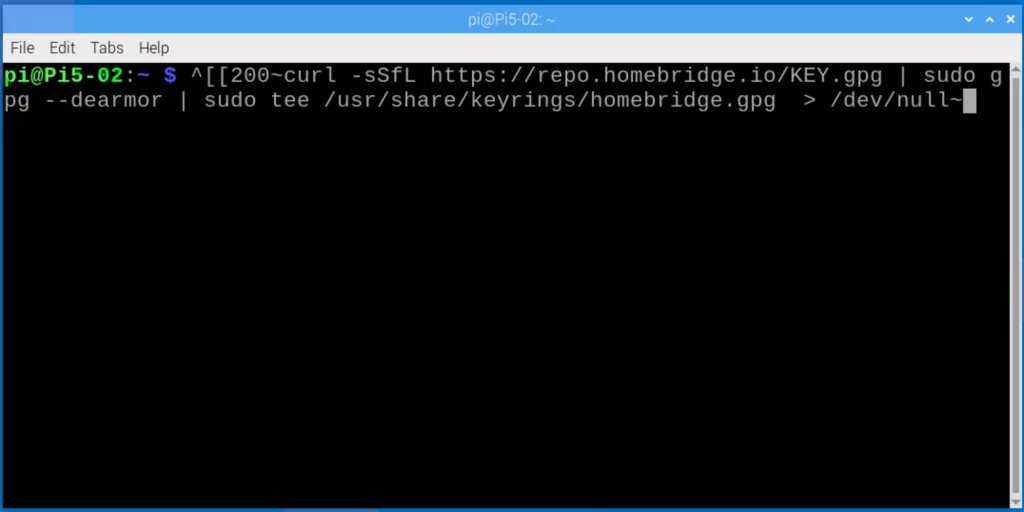
3. เพิ่ม Homebridge Repository ไปยัง system sources
echo "deb [signed-by=/usr/share/keyrings/homebridge.gpg] https://repo.homebridge.io stable main" | sudo tee /etc/apt/sources.list.d/homebridge.list > /dev/null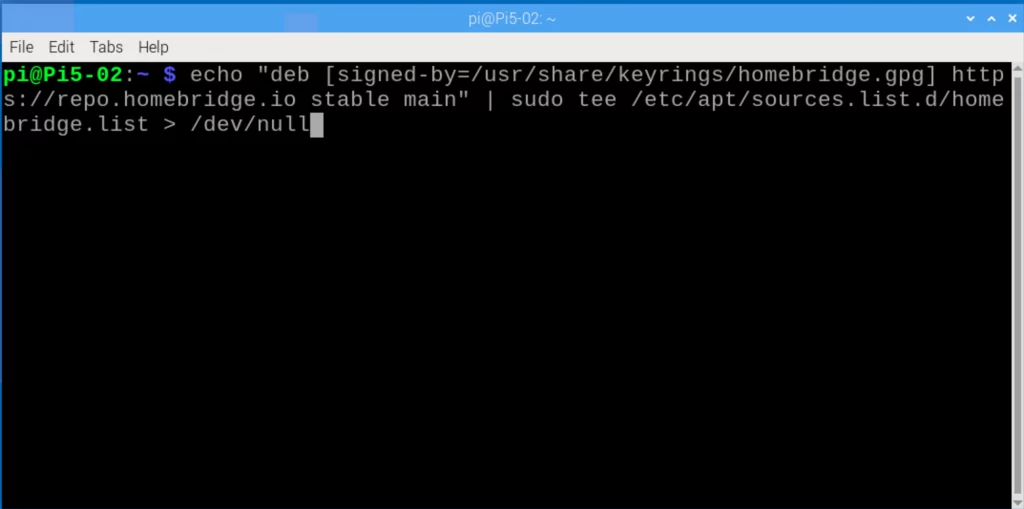
4. Install Homebridge
อับเดท repositories
sudo apt-get updateลง Homebridge
sudo apt-get install homebridgeหา IP Address ของ Raspberry Pi
hostname -Iเป็นการเสร็จสิ้นการลง Homebridge บน Raspbian
การ login เข้าสู่ Homebridge UI นั้นทำได้ผ่านทาง web browser ด้วย URL address
http://<ip address ของเซิฟเวอร์ Raspberry Pi>:8581